Bring the PC into the rest of the system
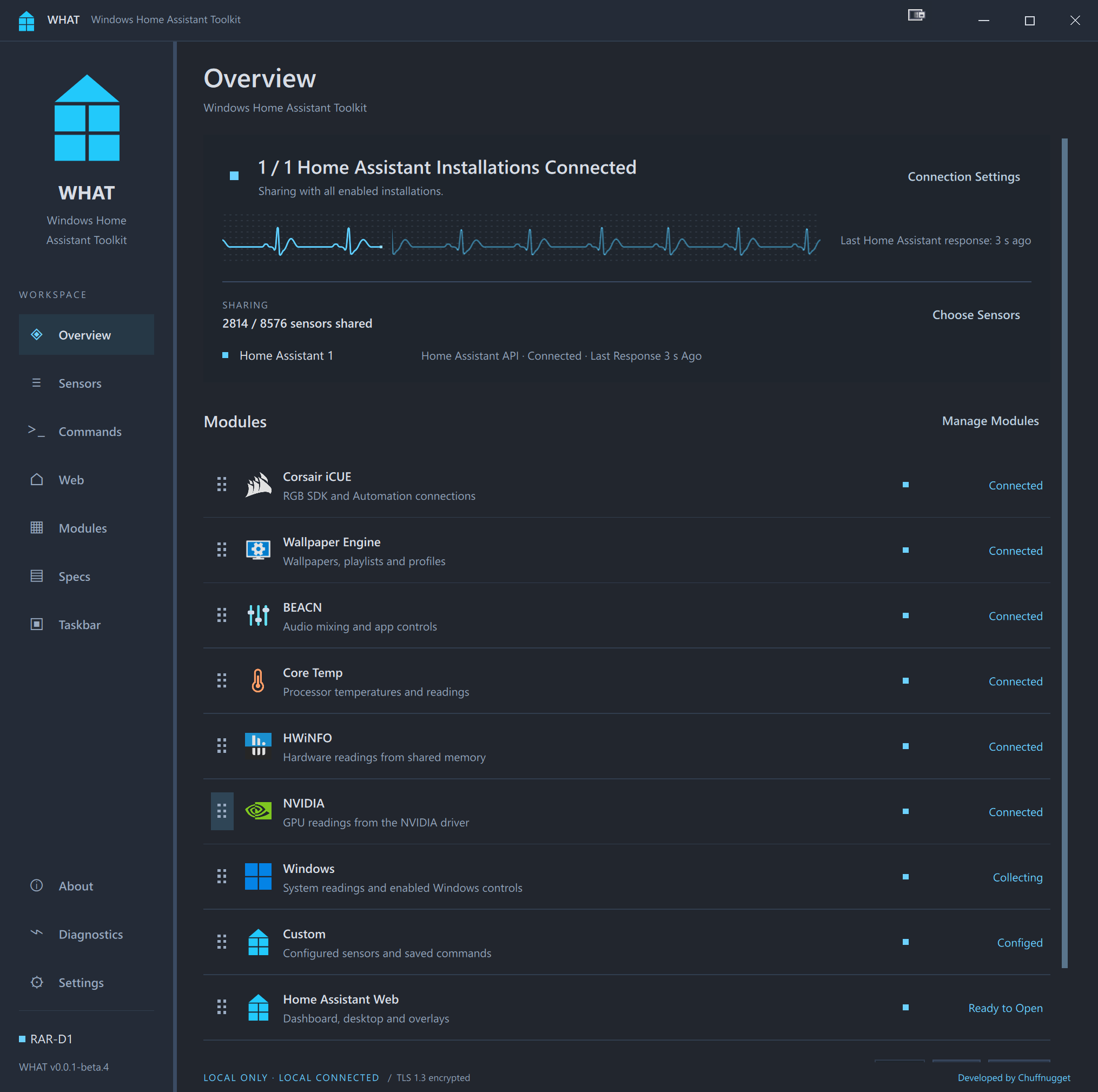
WHAT connects the Windows desktop to Home Assistant, so hardware readings and everyday PC controls can take part in the same dashboards and automations as other devices. The project spans a native Windows application, a companion Home Assistant integration and the protocol between them.
What it does
- Browse hardware and system readings from Windows, HWiNFO, Core Temp and NVIDIA, then choose what to share.
- Control supported audio devices, media playback, display layouts, RGB lighting and Wallpaper Engine.
- Create custom sensors and saved commands, with explicit permissions for remote actions.
- Send desktop notifications and speech, or display a Home Assistant dashboard in an embedded, desktop, fullscreen or picture-in-picture view.
- Connect multiple PCs and Home Assistant installations, each with its own sharing and connection settings.
How it fits together
The desktop application uses C++ and Qt/QML. The companion integration is written in Python. WHAT API uses authenticated TLS WebSockets; MQTT provides an alternative broker-based connection. The integration keeps entity identities associated with the PC when the transport changes. Local discovery uses mDNS, with manual pairing available across network boundaries.
Development scope
The work covers the interface, Windows and device integrations, connection management, diagnostics, configuration backup and release packaging. Module boundaries make the application useful with different hardware and software combinations without requiring every integration to be installed.
Get started
Start with the Windows releases and install the companion integration alongside it. Features depend on the PC, source applications and enabled permissions. Native ARM64 builds are available, with hardware validation still pending and a smaller supported module set; the repository documents the current requirements.