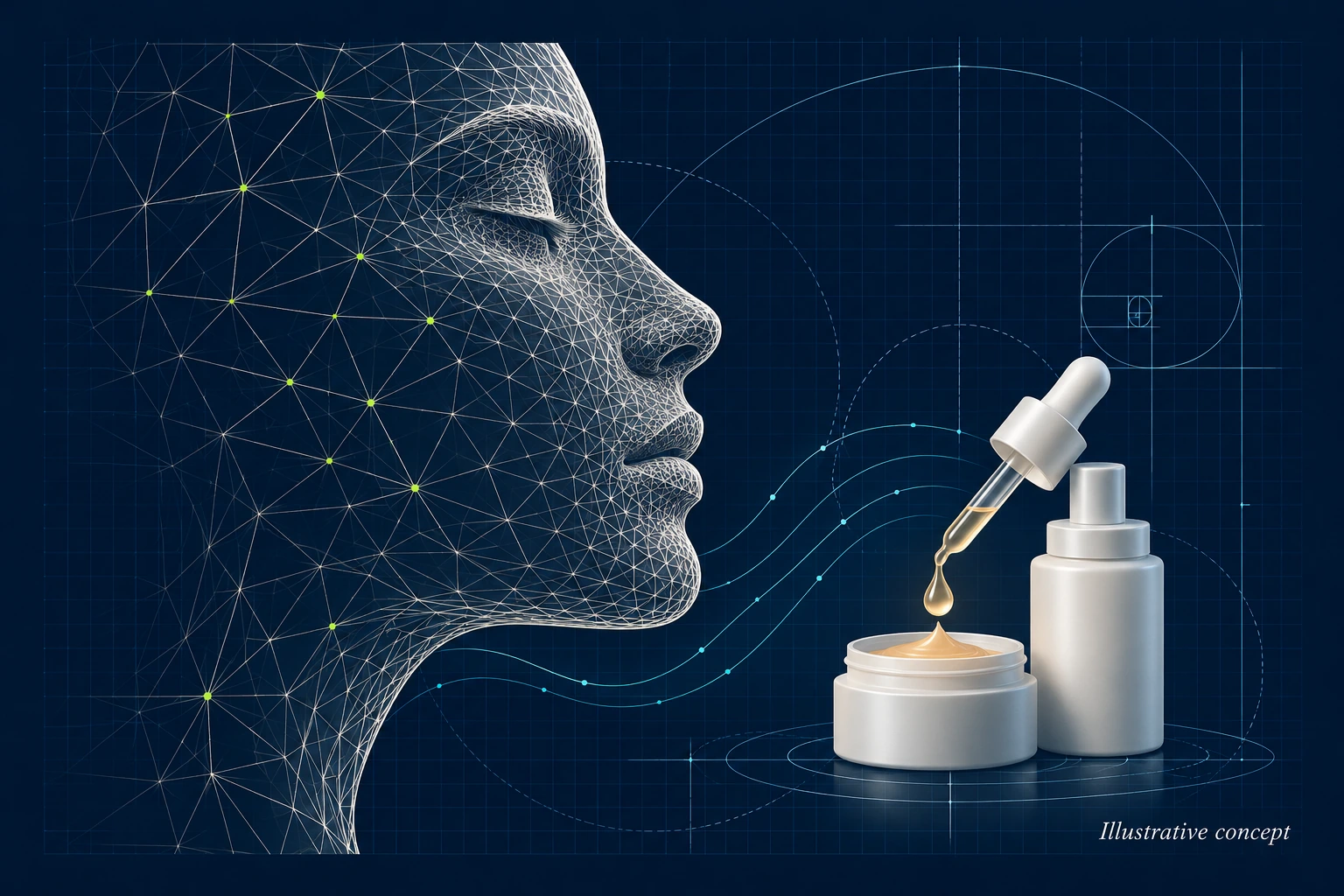
Illustrative concept — AI-generated artwork for this project overview.
Inside the interface
From consultation to a personalised product
This skincare R&D project brought a guided consultation, image analysis and product selection into one web application. A customer could describe their skin and concerns, complete a selfie scan, review the results and choose preferences for a personalised skincare product.
My work covered the customer-facing web flow, PHP backend, external service integrations and database-backed records. The implementation connected a multi-stage browser interface to a third-party skin-analysis service, weather and air-pollution data, and a final order-review workflow.
A guided consultation
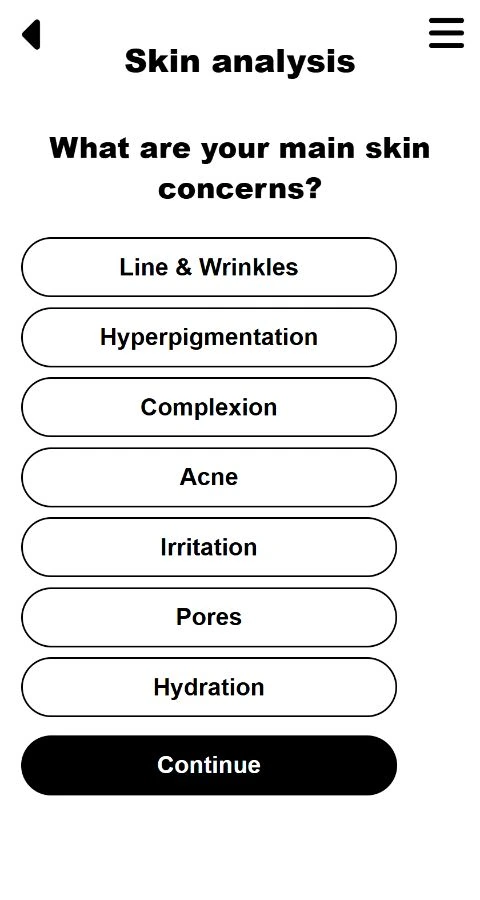
The consultation began with basic profile questions and optional life-stage and hormonal factors. Customers selected their main concerns, including lines and wrinkles, pigmentation, complexion, acne, irritation, pores and hydration, then chose the description that best matched their overall skin condition.
JavaScript managed selection states, required choices, navigation between question groups and animated progress indicators. Answers were carried through the PHP forms so the consultation, scan results and later product preferences stayed together throughout the flow.
Selfie capture and image-analysis integration
A preparation screen gave practical guidance on lighting, camera position and keeping the face unobstructed. The scan screen embedded a camera-capture component and received the captured image through browser messaging. It then sent the Base64 image to the PHP backend using an AJAX request, while showing an analysis-in-progress state.
The backend used cURL and JSON to coordinate the analysis service: authenticate, create a subject, create an image batch, upload the image and poll for results. Returned metrics were mapped into the application's own fields and passed to the results screen.
- The result mapping covered hydration, redness, pores, pigmentation, lines, acne, translucency, skin tone and uniformity, alongside eye-area and perceived-age outputs.
- Image-quality results were captured separately from the skin-related outputs.
- The integration included a bounded polling loop and handling for responses such as an incomplete face or no face detected.
Adding environmental context
The application used the browser's geolocation interface to request local weather and air-pollution data. JSON API responses supplied the city, country and humidity, together with pollutant readings including particulate matter, ozone and nitrogen dioxide.
These values were displayed during the consultation and carried forward alongside the customer's answers and scan metrics. This brought environmental information into the same recorded workflow as the customer's own description of their skin.
Results and formulation choices
After the scan, a results screen presented the analysis with animated indicators. The customer could then choose a skin-tone option and one of three fragrances, or no fragrance, before moving to the product review.
The review interface organised the proposed product into a base and four ingredient groups covering age-related concerns, pigmentation, luminosity and clear skin. Each group had an information view and an ingredient-switch control; those choices were carried into the completed order record.
This archived version represents the consultation and product-selection prototype. Its alternative-ingredient labels and some explanatory copy were still placeholders; the implemented work included the selection controls, data flow and recording of those choices.
Order records and administration
Completing the flow stored the consultation in MySQL using a prepared insert. The record brought together profile answers, skin concerns, environmental readings, scan outputs, fragrance and skin-tone selections, and the four ingredient-change flags. A completion screen confirmed the submission and allowed the user to start another consultation.
A separate administrative view retrieved records through AJAX and displayed them in a table, with identifiers and timestamps alongside the captured fields. This provided a way to review a completed consultation across all stages rather than treating the questionnaire, analysis and product choices as separate submissions.
Implementation
The application combined PHP and MySQL with HTML, CSS, JavaScript and jQuery. External integrations used HTTP APIs and JSON, with cURL on the backend and AJAX in the browser. Bootstrap supported the administrative table, while the customer interface used custom layouts, selection feedback, progress graphics and transitions between stages.