Several documents, one output
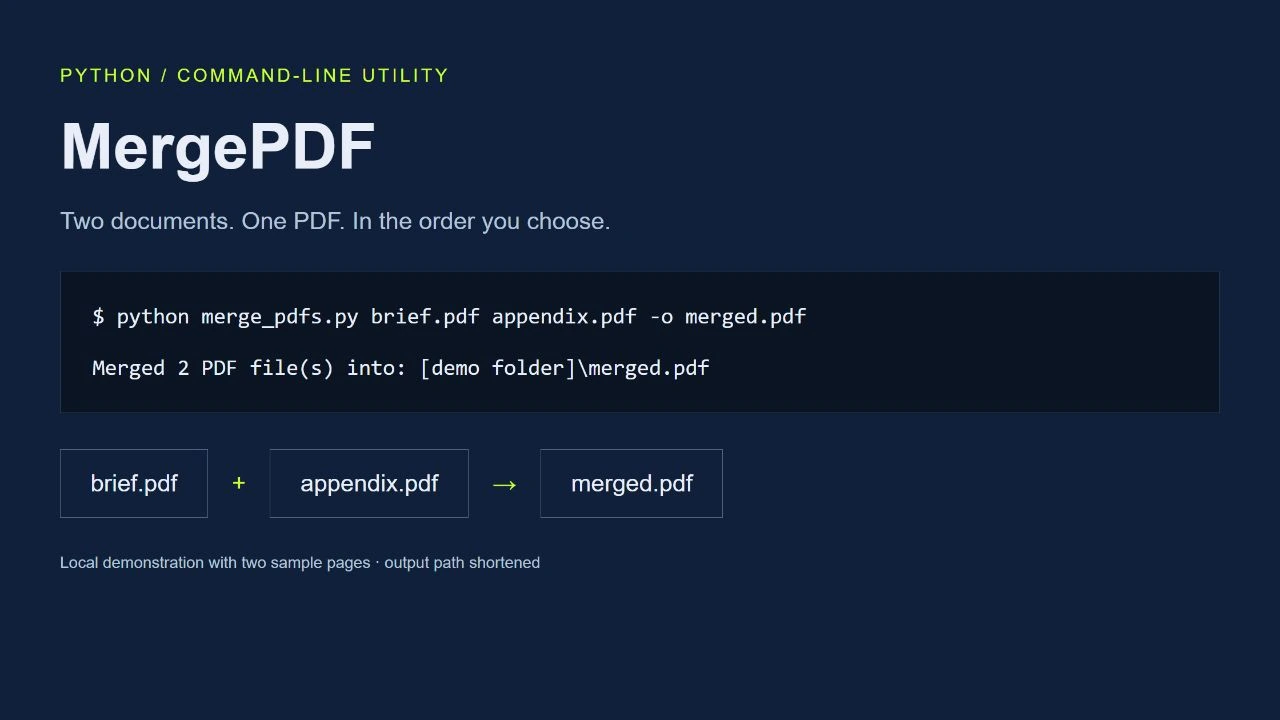
MergePDF takes a list of PDF files and combines them into a single document. It is intended for quick local tasks and repeatable scripts: supply the files in the required order and choose an output name.
Using the tool
The utility requires Python 3.9 or newer and pypdf. Install the repository requirements, then run the command below. Without an output argument it writes merged.pdf.
python merge_pdfs.py first.pdf second.pdf third.pdf -o combined.pdfSmall details that matter
- Input order determines the order of the merged document.
- The destination directory is created when needed.
- The output cannot overwrite one of the input files.
- Password-protected PDFs are unsupported unless they open with an empty password.
Project scope
A small, MIT-licensed utility with a deliberately narrow job. There is no graphical interface or hosted upload service: processing runs where the script is executed.
Explore further
Command-line example