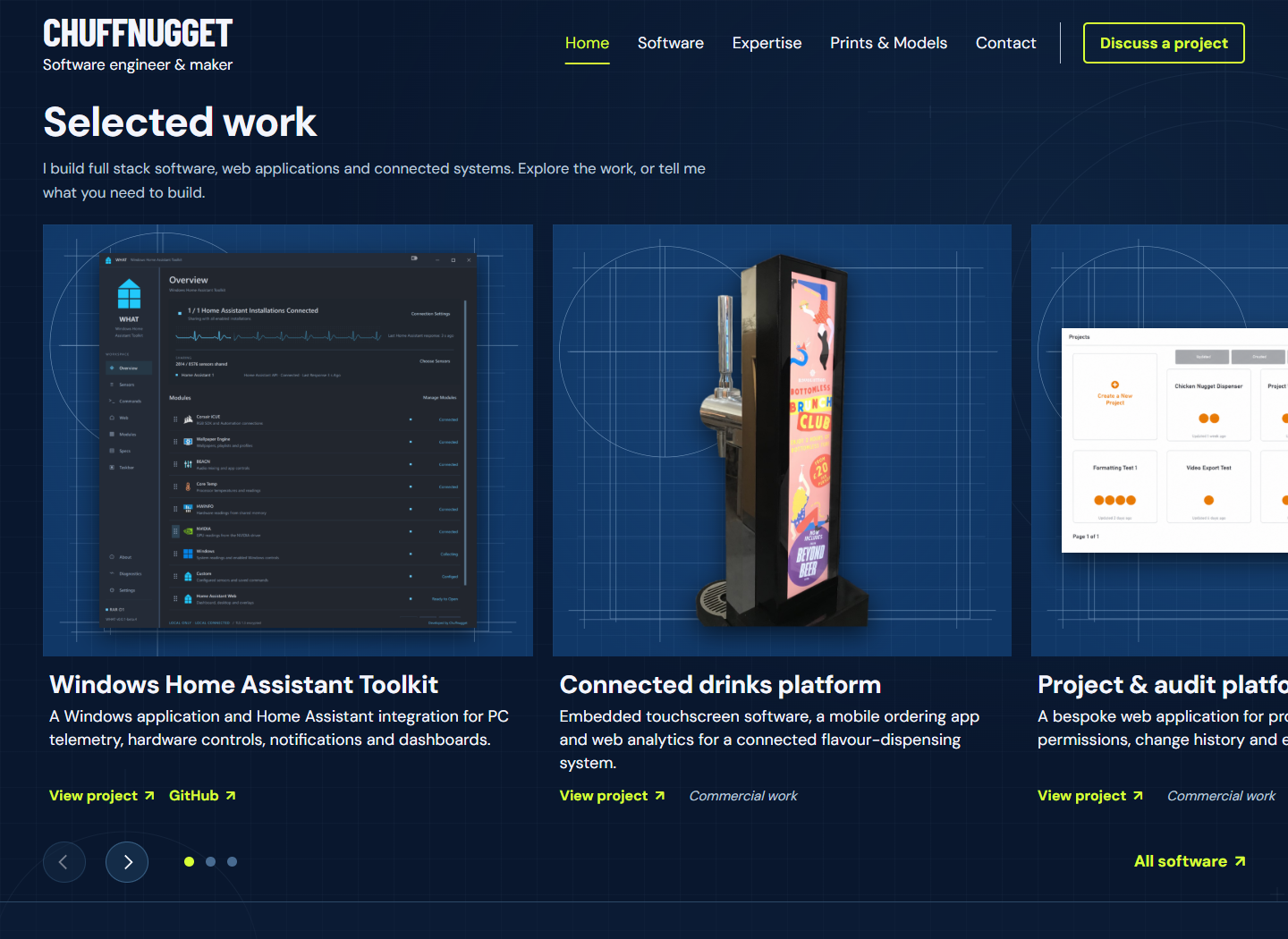
A portfolio starts as a handful of pages. Then the same project needs to appear on the homepage, in a software directory and under several skills. If each appearance is a separate block of copied text, every update becomes a hunt for the other versions.
On Chuffnugget, I have separated the records describing the work from the theme that presents them. This is the content structure behind the current site.
Keep the record in a plugin
The companion portfolio plugin registers projects, prints and technology terms. Each project has its main article, an excerpt, a featured image and structured fields for its status and resource links. The theme can render those values as a homepage card, a wide directory band or a detailed case study.
That boundary matters when the layout changes. Switching off the theme does not unregister the portfolio content types: the plugin still provides the records in WordPress. Another theme would need suitable templates to display the custom fields, but the underlying articles and relationships remain available.
Treat technologies as relationships
A technology is a shared taxonomy term, rather than a label typed independently on every page. Assigning PHP or MQTT to a published project also gives the expertise directory an example to link to. The skill’s chapter and optional first-used year are editable metadata on that term.
This avoids a second hand-maintained list of evidence. A skill can still be listed without a public example; that is more honest than manufacturing a project to fill a count. Dates stay blank unless they can be confirmed.
Keep destinations explicit
A repository, a download page and documentation serve different purposes. Separate fields let the interface label each destination clearly. Physical designs follow the same principle: their portfolio page explains the object, then a purchase link leads to its Etsy listing. There is no need for a second copy of each product article.
Enhance the interface without hiding the content
The server renders the project text and ordinary links. JavaScript adds conveniences such as the moving navigation marker and full-size image viewer. The viewer starts from a link to the image itself, so there is still a useful destination when the enhancement is unavailable.
For this site, the useful abstraction is a project record that can be presented in several ways. It leaves room to change the visual design while keeping the descriptions, links and evidence consistent.